What I Learned Shipping 3 Mac Apps as a Web Developer
Smooth Recorder hit #3 on Product Hunt, Roomy went open source, and BruhGrow came to the Mac. Three apps, three different approaches from a Next.js developer.

Key takeaways
- Start with one line: what happens when someone presses the key. Cut everything that doesn't serve it.
- Signing, notarization, updates and checkout are part of the product. Plan a full day for them.
- If your app can delete files, trust is the feature: a review queue, the Trash and Undo.
- BruhGrow reached the Mac by wrapping my existing Next.js pages in a SwiftUI shell, offline.
- Simple won. Roomy went through four looks in three weeks and ended on the simplest one.
My stack was Next.js, Supabase and Vercel. I'd never shipped anything you install.
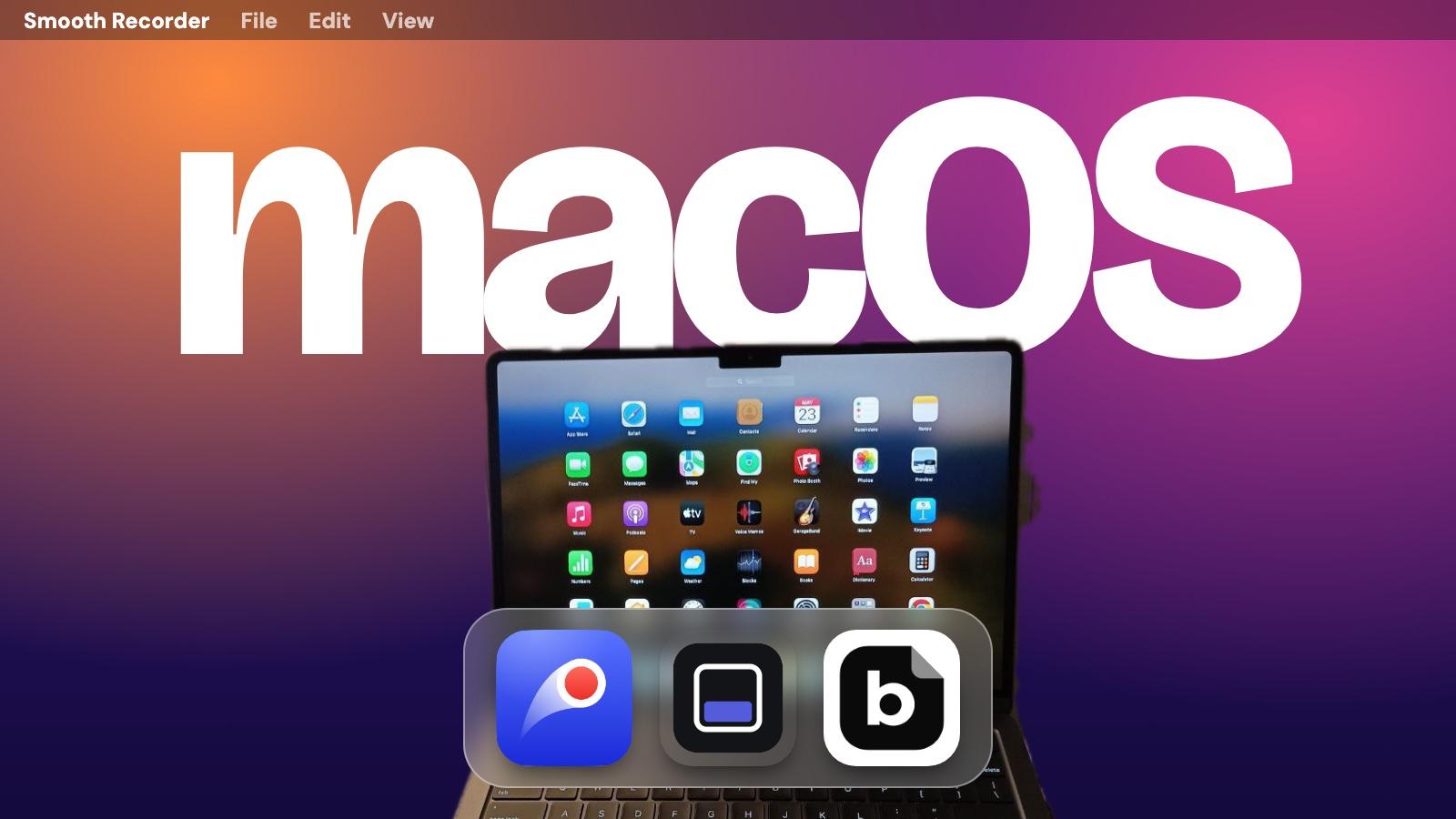
This year I shipped three Mac apps. Smooth Recorder finished #3 Product of the Day on Product Hunt. Roomy is free and open source. BruhGrow Tools went from website to offline Mac app.
Each one took a completely different approach. Here's what worked, what I got wrong, and what I'd tell any web developer thinking about it.
The idea: demos that look edited
Every founder needs product demos, and I hated making them. Record, then spend an hour adding zooms, cleaning up the cursor, cutting mistakes and writing captions.
So I wrote one line before anything else:
Press one key, get a finished screenshot or video on your clipboard with your look already applied, and a link if you want one.
That line became Smooth Recorder. Every decision after it had one test: does this make that sentence more true?
The first decision: stay native
I had a Tauri version started. As a web developer, that was the comfortable path. HTML in a window, tools I already knew.
I killed it.
Capture, cursor smoothing, Metal export, speech and the notch UI are all Apple frameworks. Tauri would have meant fighting the platform just so I could stay comfortable.
The lesson: if the hard part of your product lives in the platform, use the platform. Your comfort is not a feature.
Removing things was the real work
Screen recorders love settings. I went the other way.
- Settings became one page
- The wallpaper store became bundled wallpapers, with no downloads
- The capture delay picker became a single 3s chip
- Rotate, zoom and pan sliders became four tilt presets
- The menu bar icon went away. It lives in the Dock
screencaptureand FFmpeg went too. Zero external processes
The rule I wrote down:
No tooltip anywhere explains how one setting interacts with another. If it needs one, the setting is wrong.
Most people think a product is what you add. A lot of it is what you remove.
Shipping is its own job
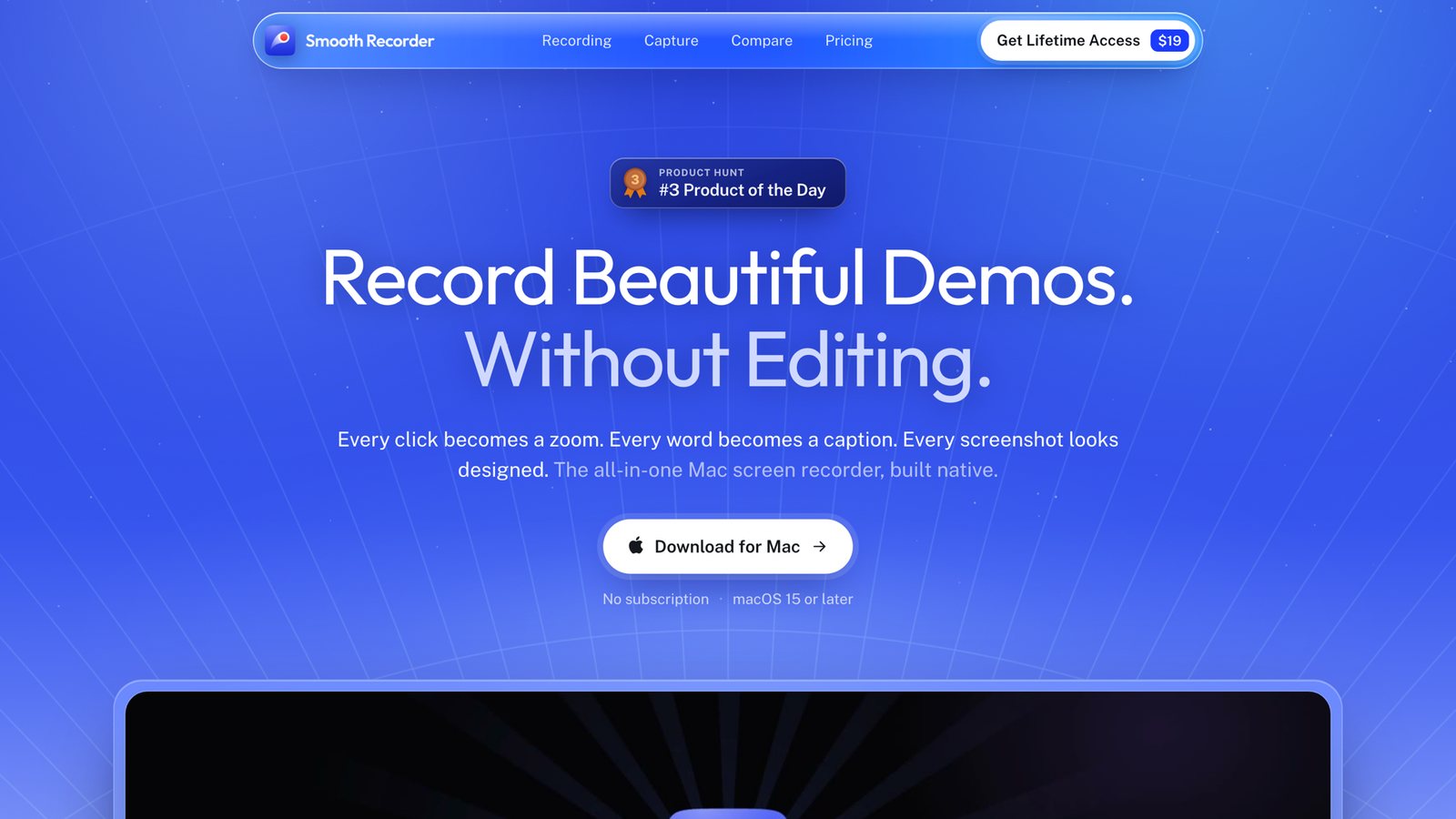
On Vercel, you push and it's live. A Mac app needs signing, notarization, an update feed and a download page, or macOS warns people before they can even open it.
Getting Smooth Recorder out meant signing it with my Apple team, moving updates to my own domain, and wiring up a live Dodo Payments checkout. None of that is a feature, and all of it is the product.
Plan a full day for this. It isn't an afterthought.
"Feels real" beats "works"
I didn't want a feature list. I wanted a test. Here's part of the checklist I wrote:
- Install to first capture in under 20 seconds, permission prompt included
- Hotkey to overlay in under 100 ms
- The image is on the clipboard before the card finishes animating
- Record, talk 20 seconds, stop, and it opens with zooms and cursor already done. Zero controls touched
- Every window is a real macOS window: traffic lights, ⌘W, right-click menus
That last one matters more than it looks. Mac users can feel a fake app within seconds.
Launch day
Smooth Recorder launched on Product Hunt on October 4 at $19 once, with no subscription.
The results:
- #3 Product of the Day
- #23 of the week, #36 of the month
- 5.0★ from 3 reviews
- 316 followers and 22 comments
Not number one. But a stranger could pay for it, install it, and have an edited-looking demo in minutes. That's what I set out to build.
Roomy: small, free and open source
While Smooth Recorder was getting ready to launch, I started something completely different.
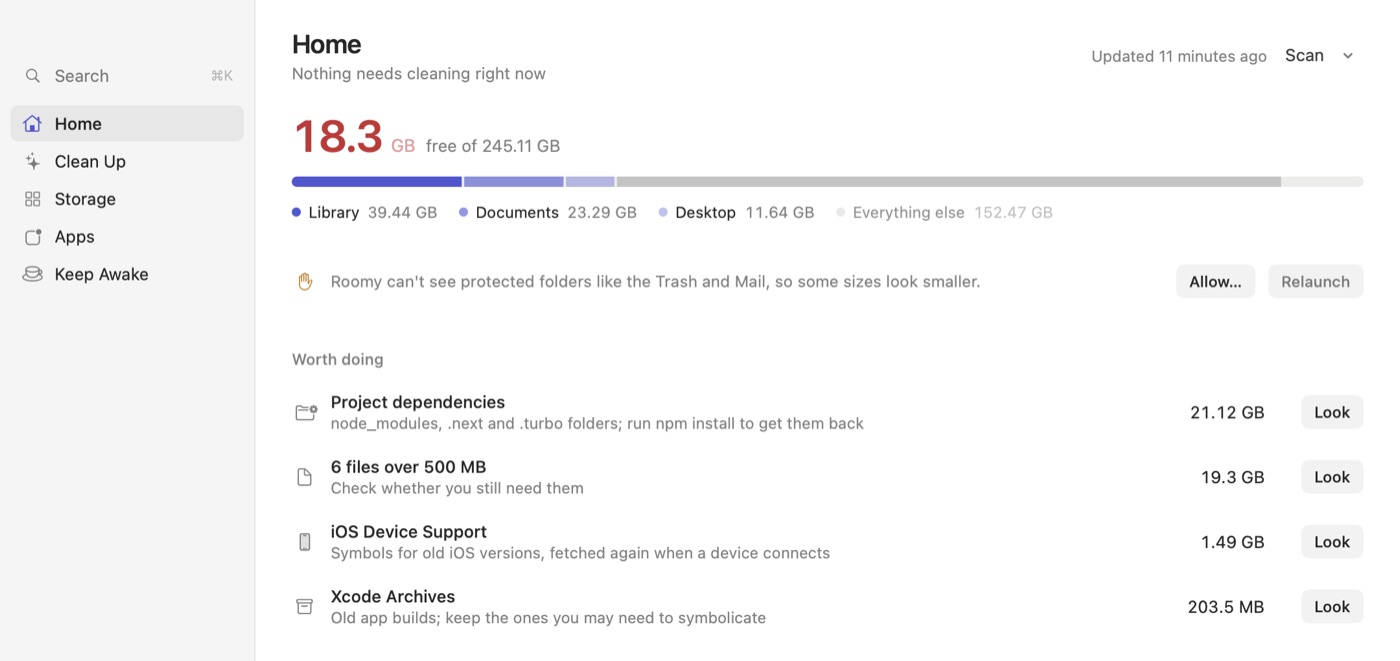
Roomy shows what's filling your disk and what's safe to clean. It's about 4,200 lines of Swift in 17 files. It's free, open source, and has no account, no sync and no analytics.
A screen recorder bug ruins a video. A disk cleaner bug deletes someone's work. So Roomy's design is really about trust:
- There's no delete button. You add things to a queue, then review every item
- Everything goes to the Trash first, and ⌘Z brings it all back
- System folders and Apple apps can't be selected at all
- Every folder explains itself, with badges like Safe to remove, Rebuilds itself and Check first
Smooth Recorder's job is to save you time. Roomy's job is to not scare you.
BruhGrow: my web app, on the Mac
BruhGrow Tools was already a website: 91 image and PDF tools plus 200,000+ SVG icons, all in Next.js. People had one good reason to want it on their Mac: their files should stay on their machine.
Rewriting every tool in Swift would have taken months. So on October 15 it shipped a third way:
- A native SwiftUI shell: a Home screen, sidebar, Favorites, search and ⌘K, styled like System Settings
- The same Next.js pages inside: built for desktop and served by a small Node server bundled in the app
- Fully offline: the icon data and OCR language packs ship inside the app
- Real Mac behavior: native file pickers, saved files go to Downloads, and it follows light and dark mode
Then a smoke test boots the bundled server and loads every tool in Chromium, with the network blocked. If a tool quietly needs the internet, I find out before you do.
The app is signed and notarized, needs Apple silicon, and shares one $9 lifetime license with the website.
The lesson: remember how I said to use the platform when the hard part lives there? BruhGrow's hard part lives in the tools, and those were already built for the web. So the web stayed, and only the outside became native.
Three apps, three different answers:
- Smooth Recorder: fully native, built around one key
- Roomy: small, native and open source
- BruhGrow: keep the web app, wrap it in a native shell
My design mistake: four looks in three weeks
Roomy's git history is embarrassing, and useful:
- Oct 15: Redesigned the app
- Oct 16: "A new look for Roomy: warm paper, serif numbers, block bars"
- Nov 3: "Floor plan, space forecast, notch overview and a calmer layout"
- Nov 4: "Simple redesign, instant saved scans, duplicates and search"
Read those in order. I kept adding personality until the commit message admitted the truth: calmer, then simple.
I also built a separate app called Simmer to keep your Mac awake. Then I realized nobody needs a whole app for that, and moved it into Roomy as a menu bar switch.
The lesson: the fix for a boring product is rarely more design. And one app with a clear job beats two you forget to open.
What worked and what didn't
✅ What worked:
- One line first: every decision had something to answer to
- Removing things: fewer features made it feel more finished
- One-time pricing: $19 once, simple to explain
- Doing signing early: updates worked from the first release
- Reusing my web code: BruhGrow's tools reached the Mac without a rewrite
❌ What didn't work:
- Tauri: the comfortable choice, and the wrong one
- Too many Roomy redesigns: three too many
- Separate tiny apps: Simmer belonged inside Roomy
Your action plan
If you're a web developer curious about Mac apps:
Step 1: Write one line: what happens when someone uses it. No code until this exists.
Step 2: Decide where the hard part lives. In the platform, go native. In your web code, wrap it in a native shell like BruhGrow.
Step 3: Get it down to one great flow. Remove everything else.
Step 4: Do signing, notarization, updates and checkout early. Don't leave them for last.
Step 5: Run a "feels real" checklist with someone who isn't you, then launch.
The real secret
Nobody using Smooth Recorder cares what language it's written in. They care that pressing one key gives them something beautiful.
You don't need ten years of Swift. You need taste, a clear idea, and the nerve to remove things.
Smooth Recorder: smoothrecorder.com ($19 once, macOS 15+)
Roomy: github.com/mdanassaif/roomy (free, macOS 14+)
BruhGrow Tools: bruhgrow.com ($9 lifetime, Apple silicon)